> For the complete documentation index, see [llms.txt](https://docs.kompas.ai/kompas-ai-docs-ver2/llms.txt). Markdown versions of documentation pages are available by appending `.md` to page URLs; this page is available as [Markdown](https://docs.kompas.ai/kompas-ai-docs-ver2/get-started/quick-start/download.md).
# Download
### Kompas AI Download
* Download the Kompas AI app from the Download tab above.
* Kompas AI is available in both PC and mobile version, and data is synchronized across devices in real time.
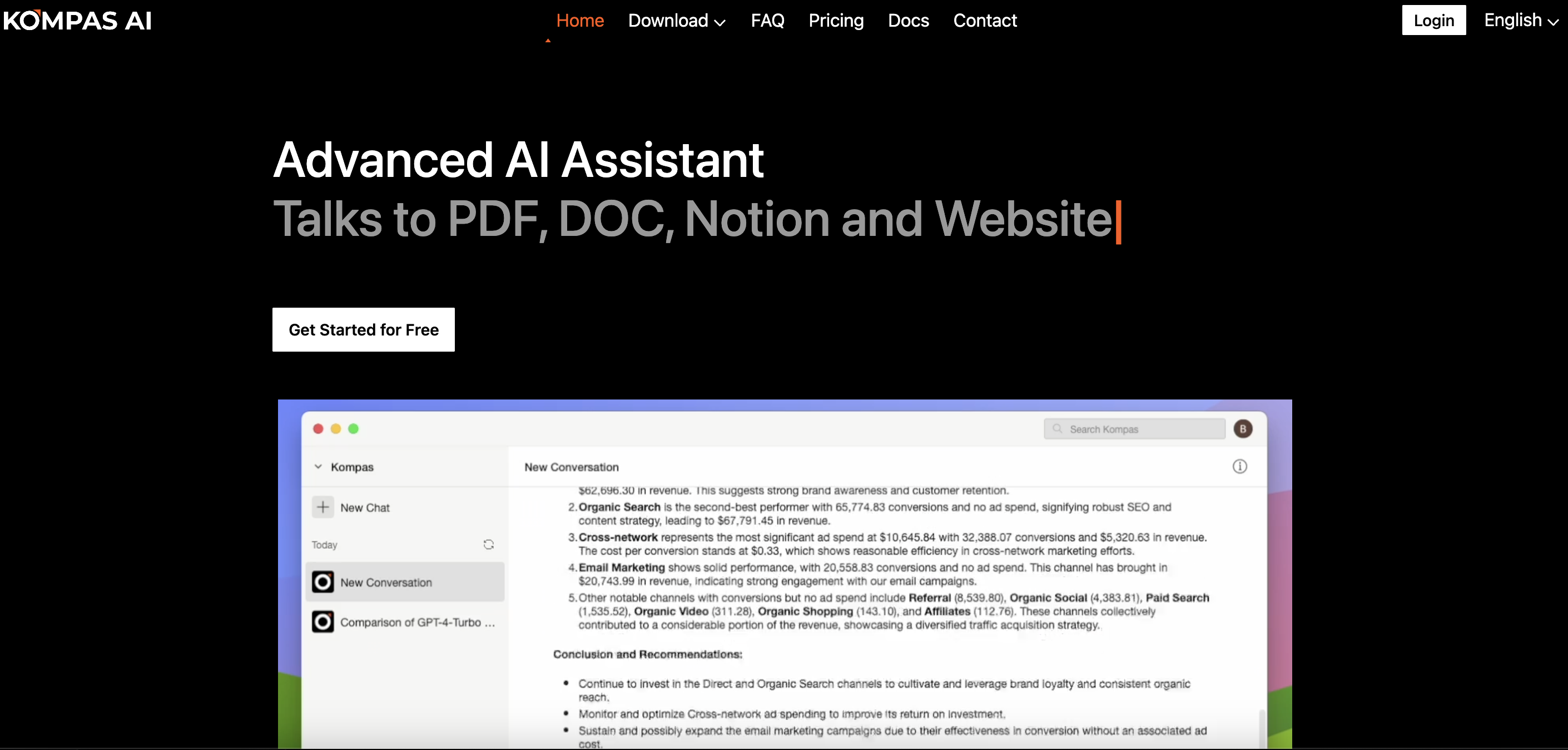
Main page
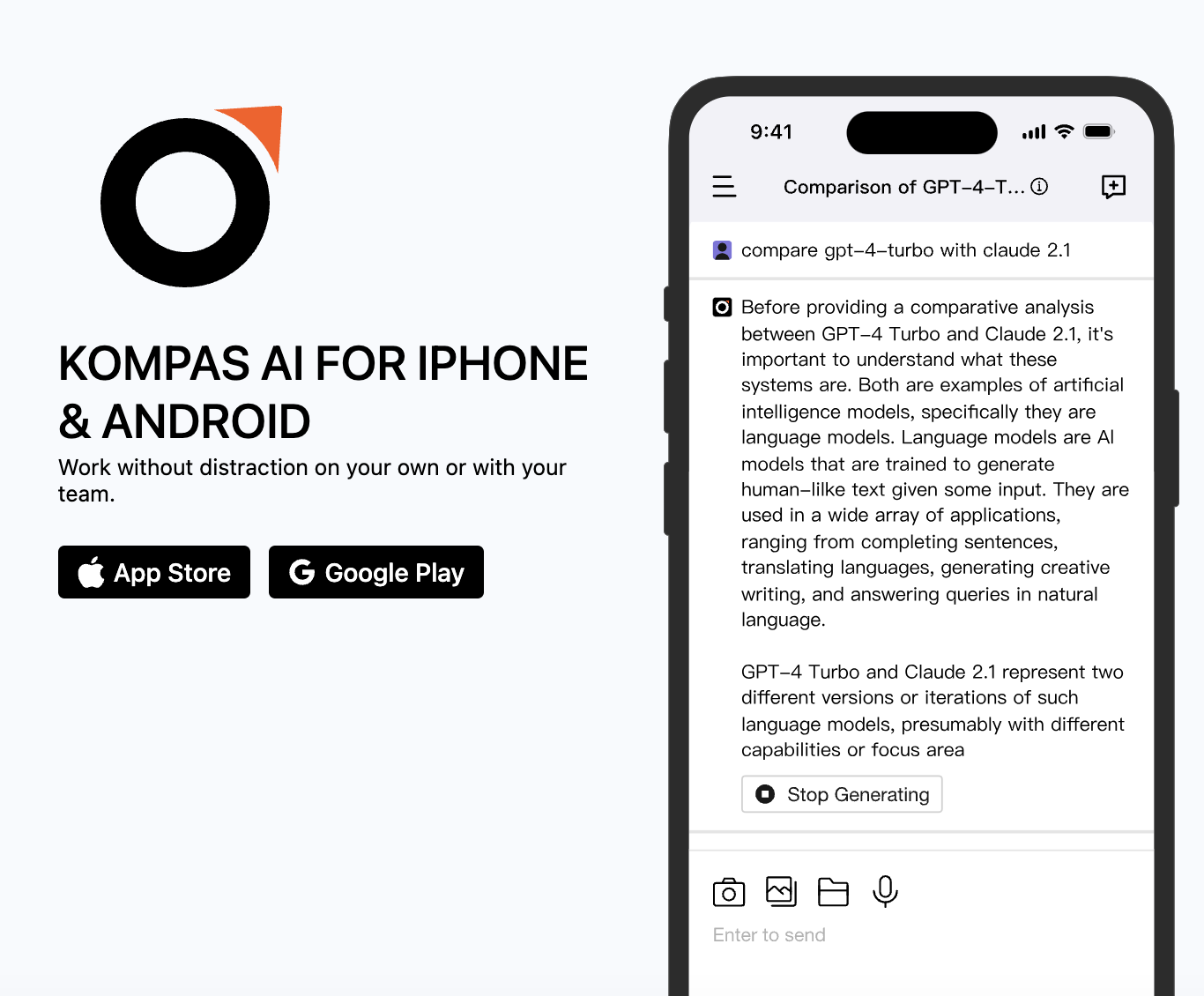
### Mobile
* Click the button for your device to download.
Download page(Mobile)
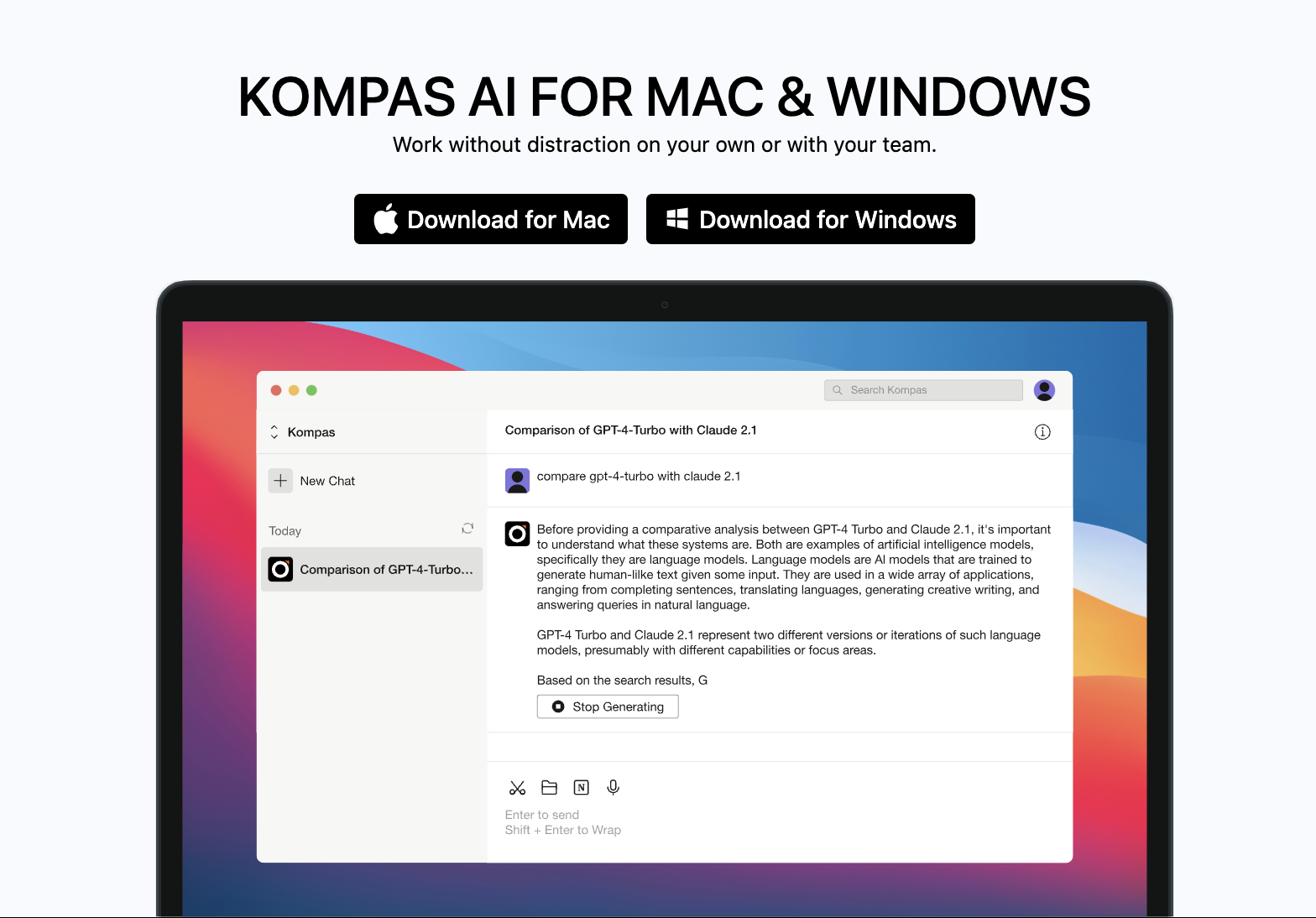
### PC
Download page(PC)
* Windows
* Click the button for Download for Windows and [Download](https://kompas.ai/desktop#:~:text=Download-,for,-Mac)[ ](#download)application.
* MAC
* Click the button for Download for MAC and [Download](https://kompas.ai/desktop#:~:text=Download-,for,-Windows) application.